Help & FAQ
Answers to the most common questions about using Sparings.
How do I back up to iCloud or Google Drive?
Tap "Backup App Data (JSON)" in Settings, then choose "Save to Files" (iOS) or "Google Drive" (Android) from the share menu.
What is the difference between CSV and JSON?
CSV is an Excel file for you to read and print. JSON is a code file the app uses to safely restore your exact accounts, budgets and settings. A CSV file cannot be imported back.
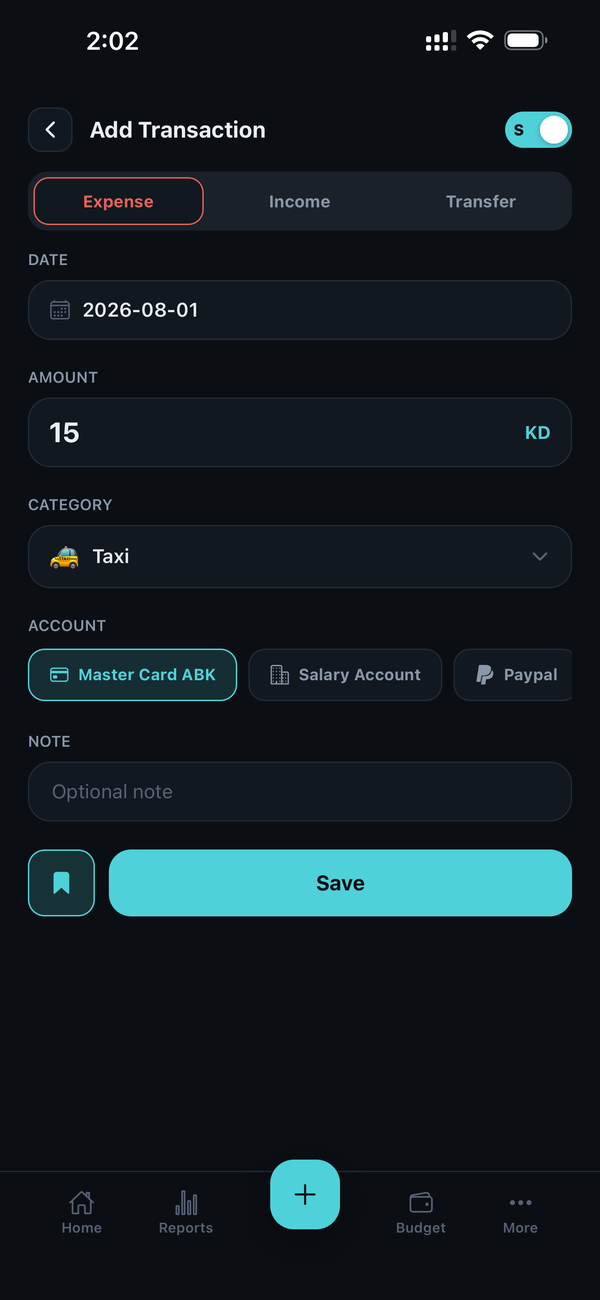
Why don't Transfers show up in my Budget?
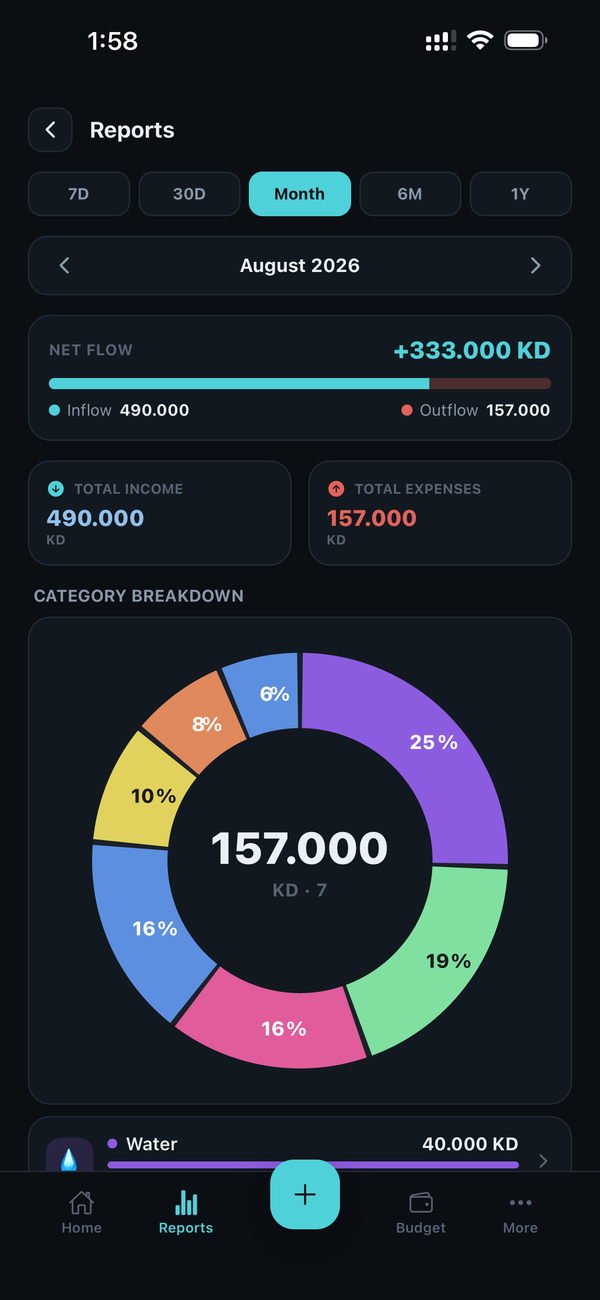
A transfer only moves money between your own wallets (for example, Bank to Cash). It is not an expense, so it never affects your monthly budget or reports.
How do multiple accounts and Net Worth work?
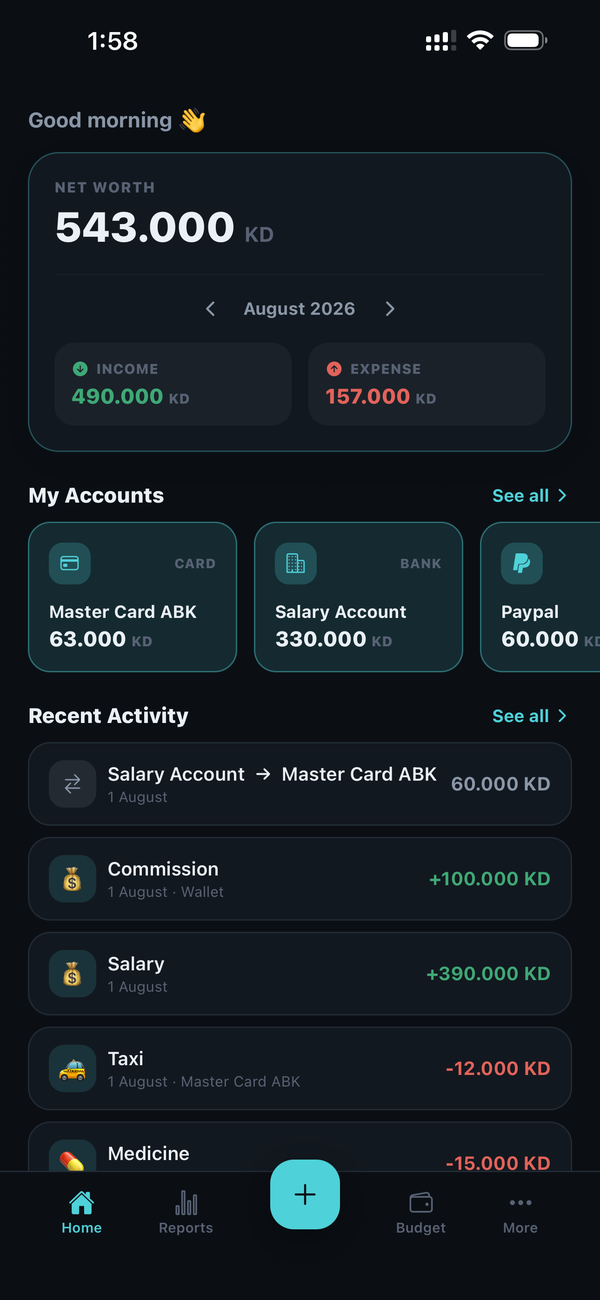
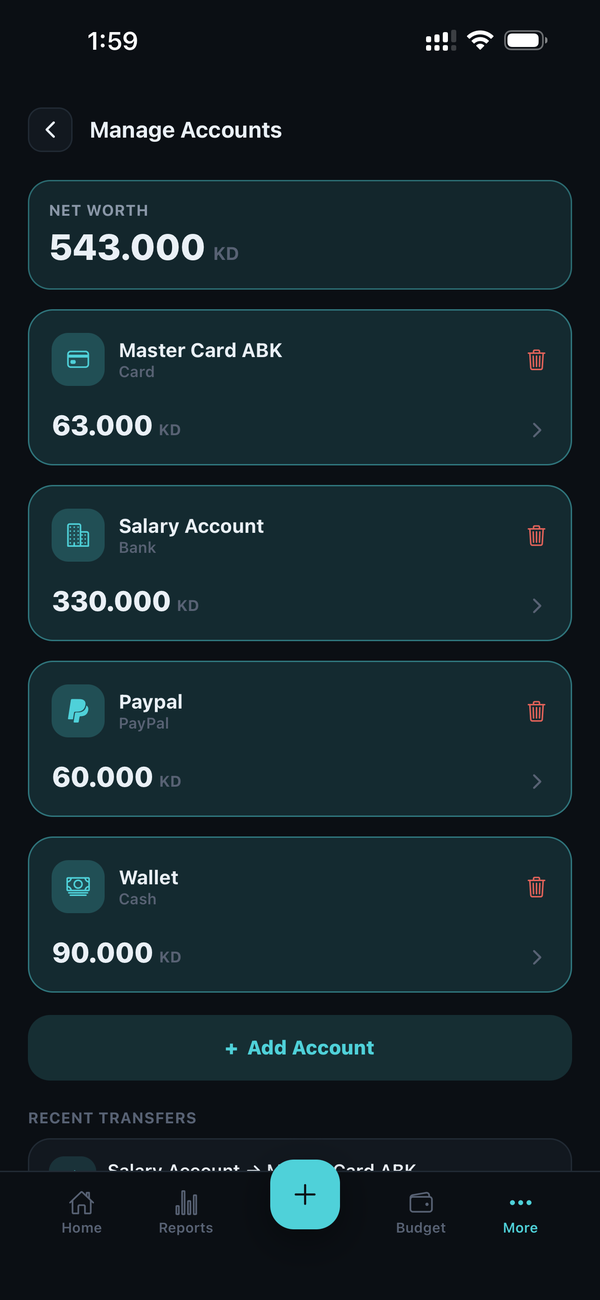
You can add as many accounts as you like — bank, cash, cards or any custom wallet — and track each one's balance separately. Your Net Worth is simply the sum of every account's balance, shown live on the Home dashboard.
How does the Monthly Budget work?
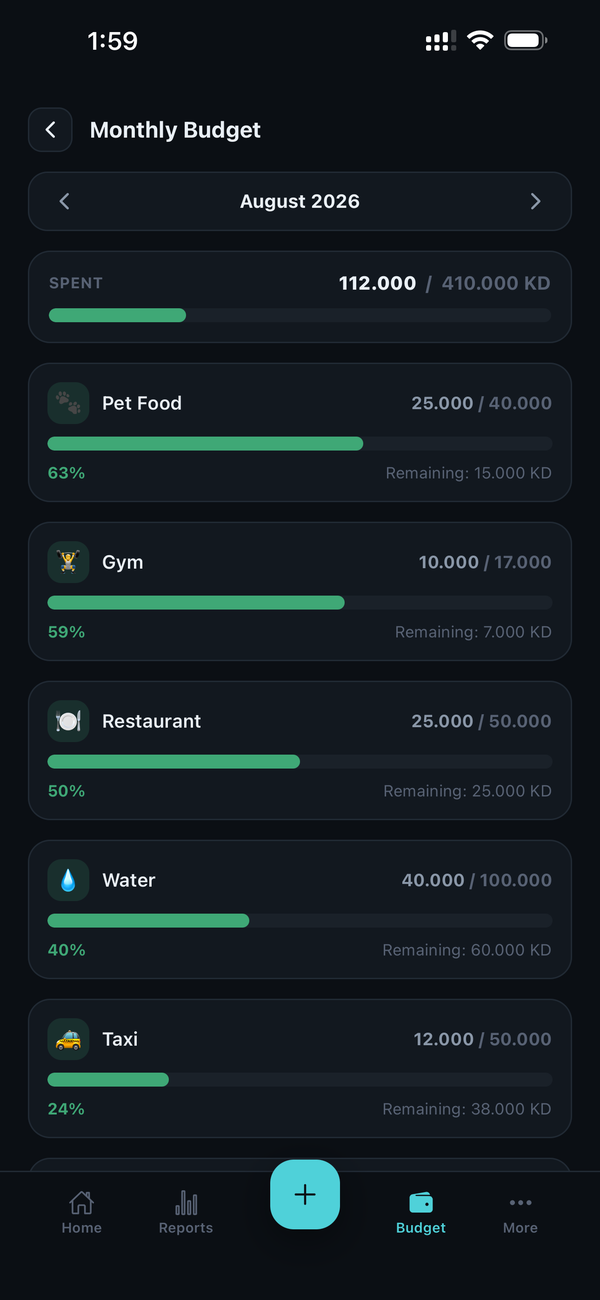
You can set one overall monthly spending limit, and optionally separate limits per category (like Groceries or Transport). Sparings tracks your progress against each limit as you log expenses through the month.
Can I set up recurring bills and reminders?
Yes. Scheduled Payments let you set up a bill once — daily, weekly, monthly or yearly — and it will automatically appear as an upcoming transaction in your Records each time it's due.
Is my data protected with a PIN or biometric lock?
Yes. You can enable App Lock in Settings to require Face ID, fingerprint, or your device passcode before Sparings opens, on top of your device's own lock screen.
Does Sparings support multiple currencies and languages?
Yes. Choose from over 150 currencies and 15 languages (including full right-to-left support for Arabic and Urdu) from Settings at any time.
Do I need an internet connection to use the app?
No. Sparings works completely offline. An internet connection is only ever used if you choose to back up your data to your own personal cloud storage (like Google Drive or iCloud) — that step is entirely optional and initiated by you.
What happens to my data if I uninstall the app or switch phones?
Since all data lives only on your device, uninstalling the app or switching phones without a backup will remove it permanently. We recommend regularly creating a JSON backup (Settings → Data & Backup) so you can restore everything on a new device.